01
Your actual code.
Upload files or write code directly. Every commit preserves the contents of your files.
Cloud-first version control
Git-lite gives your projects a clean, human-readable history without making you become a Git expert first.
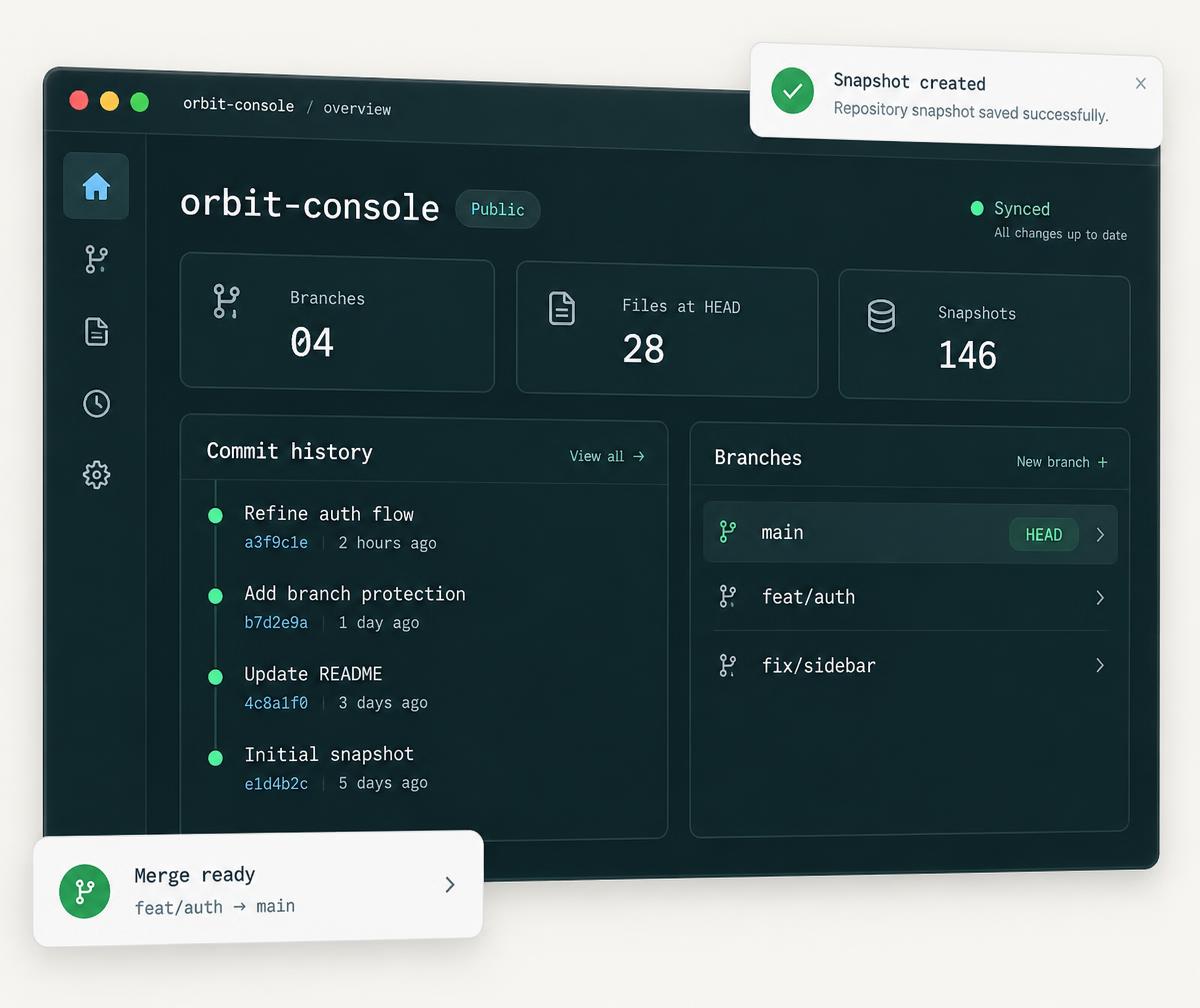
A calmer repository experience
Keep your code and its history together. See your snapshots, explore branches, and bring changes back into one clear workspace.
Upload files or write code directly. Every commit preserves the contents of your files.
Create branches for your next idea, track separate changes, and merge them when you’re ready.
Your account, repositories, and snapshots are saved in Lovable Cloud, not just in your browser.
From an idea to a history
Choose a nickname, create your account, and give your first repository a name.
Add your files, write a message, and save a snapshot of your project.
Try changes on a branch, commit your work, and merge it back into main.
Your code. Your next chapter.
A lightweight version-control workspace for code snapshots, branches, and merges. No command line required.